
 Written By
  Reviewed By Annie Rose
Introduction
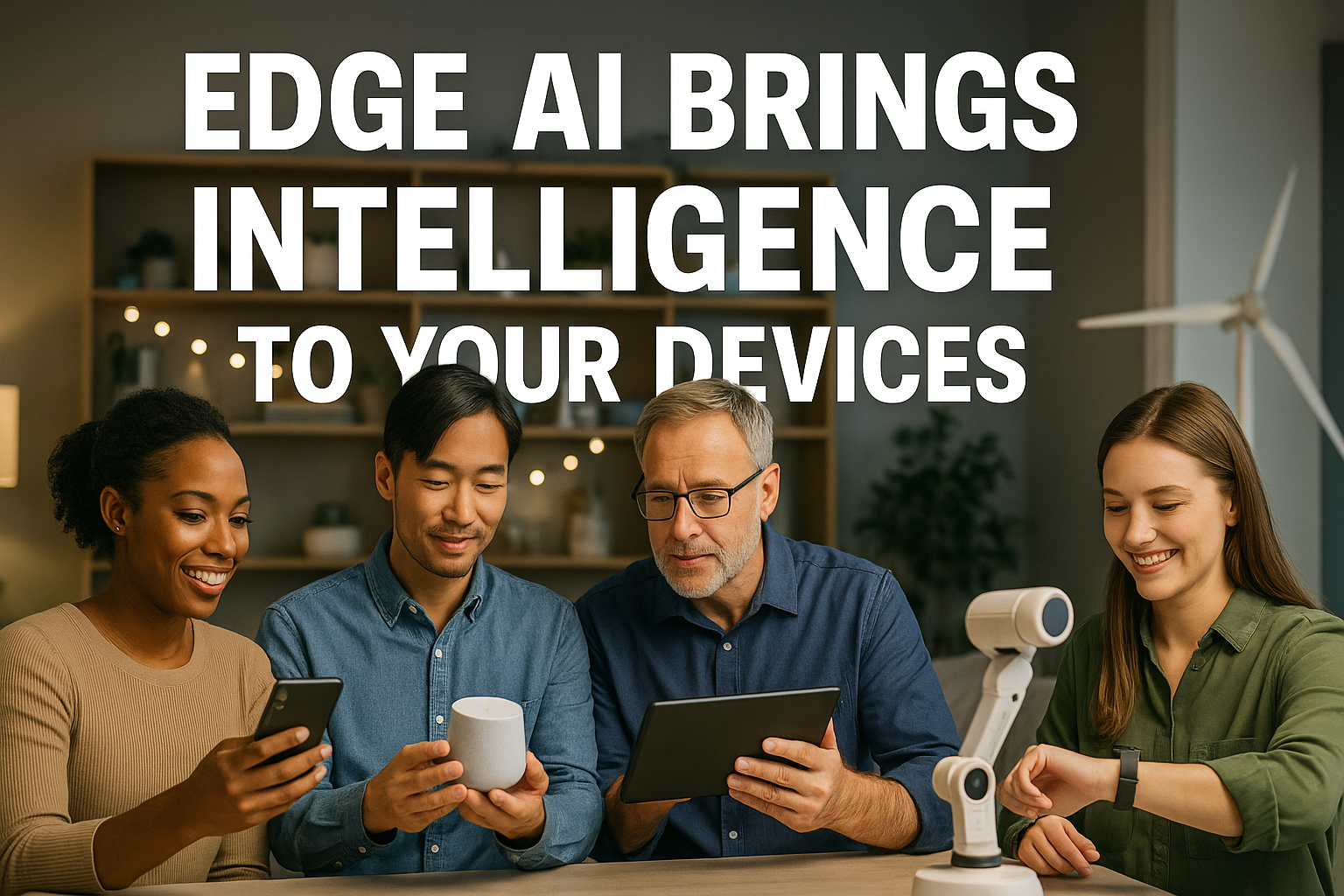
Imagine your smartphone, smartwatch, or smart camera making decisions instantly without sending data to the cloud. This is the power of edge AI. Instead of relying on remote servers, AI on devices happens right on your gadget. This means faster responses, improved privacy, and less need for constant internet.
In 2025, edge computing AI is changing how we interact with technology. From smart homes that adjust lights when you walk into a room, to medical devices that monitor health in real time, edge AI makes devices smarter and more reliable. In this article, we’ll explain what edge AI is, how it works, why it matters, and where you can find it today. We will also share wide range tips for implementing edge AI and look at future trends. By the end, you’ll see why putting on-device intelligence in our gadgets is a game changer.
What Is Edge AI?

Edge AI means running artificial intelligence models locally on devices instead of in distant data centers. In traditional cloud-based AI, devices send data to the cloud where large servers process it. Then, the cloud sends back a result. This back-and-forth can take time, cause delays, and use a lot of internet data.
With edge AI, the AI software lives on the device itself. The device does all the computing without traveling over the internet. This is also called edge inference—the device “infers” or makes conclusions based on data it collects.
For example, a security camera with edge AI can detect a person or a car in a video feed instantly. It does not need to upload the whole video to the cloud. This real-time processing saves time, bandwidth, and preserves user privacy.
How Edge AI Works

Edge computing AI involves several steps, from data capture to decision making. Here is a simple view of how AI on devices works:
- Data Collection: Sensors collect raw data. For instance, a camera captures video frames. A microphone records sound. A smartwatch measures your heart rate.
- Local Processing: The device’s processor or a special AI chip runs a trained model on the data. For example, the camera’s AI chip identifies a face or movement. Processing on the device is fast and does not need the internet.
- Model Storage: Instead of storing AI machine learning models in the cloud, they reside in the device’s memory. Periodic updates via the internet keep models current. But the main work happens offline.
- Decision Making: The device makes a decision based on AI results. A security camera might trigger an alarm. A phone app may suggest a reply to a text. A drone might adjust its flight path.
- Optional Cloud Sync: If needed, the device sends small summaries, like alerts or compressed data, to the cloud. This step is optional and saves bandwidth compared to sending all raw data. By running AI locally, devices use less power for internet connected communication, respond immediately, and keep data more private.
Applications of Edge AI

Edge AI powers many real-world uses. Below are some popular edge AI applications that make life easier and safer:
1. Smartphones and Wearables
On your phone, edge AI helps with face unlock, object recognition in photos, and voice assistants. Smartwatches use local AI to detect falls, track heart rates, and suggest workouts without sending data to the cloud.
2. Smart Home Devices
Home security cameras, video doorbells, and smart thermostats use edge AI to detect motion, identify faces, and optimize energy use. For instance, a smart thermostat learns when you leave home and adjusts the temperature to save energy.
3. Industrial IoT
Factories and warehouses use edge AI to monitor machines in real time. Sensors on motors detect unusual vibrations. Local AI analyzes data and warns operators of potential failures before they happen.
4. Autonomous Vehicles
Drones and self-driving cars need instant decisions. Cameras and LiDAR sensors feed data to on-board edge AI chips. These systems detect obstacles, read road signs, and make split-second driving choices without cloud delays.
5. Healthcare Devices
Medical devices like portable ultrasound machines and patient monitors use edge AI for fast diagnostics. They analyze scans locally to detect anomalies and alert doctors immediately, even in remote clinics without high-speed internet.
6. Retail and Point of Sale
Stores use edge AI cameras to track customer movements, manage inventory, and reduce theft. Smart shelves detect low-stock items in real time, and checkout systems scan items instantly, reducing wait times.
7. Agriculture
Farmers use edge AI sensors on tractors and drones to monitor crop health, soil moisture, and detect pests. AI models analyze images and sensor data sets on-site to guide irrigation and pesticide use, boosting yield and saving resources.
Tips for Implementing Edge AI

If you want to add edge AI to your project or gadget, here are some tips to keep in mind:
- Choose the Right Hardware: Look for devices with AI-friendly chips, like NVIDIA Jetson, Google Coral, or dedicated AI accelerators. These chips run AI models faster and use less power.
- Simplify Models for Speed: Full AI models can be large and slow. Use model compression or quantization to shrink models while keeping accuracy high. Tiny models run quickly on limited hardware.
- Balance Local and Cloud: Decide which tasks must run locally and which can use the cloud. For instance, sensitive data analysis stays on the device. Less urgent tasks, like long-term data storage or large-scale model training, can go to the cloud.
- Optimize Power Use: Plan for devices that run on batteries. Use low-power AI chips, schedule AI tasks during low-power use, and put the device into sleep mode when not needed.
- Secure Your Data: Even though data stays on the device, ensure local data is encrypted. Secure communication channels when syncing with the cloud. This follow best practices in privacy-preserving AI.
- Test Under Real Conditions: Simulate real-world scenarios. For a security camera, test AI in low light and bad weather. For health devices, simulate motion or different skin types. Real-world testing reveals hidden issues.
Comparative Table: Edge AI vs. Cloud AI Comparison
| Feature | Edge AI | Cloud AI |
|---|---|---|
| Latency | Very low (milliseconds) | Higher (hundreds of milliseconds) |
| Data Privacy | High (data stays on device) | Lower (data sent to remote servers) |
| Internet Dependency | Works offline | Requires stable internet connection |
| Power Consumption | Low for optimized tasks; battery-friendly | High (data centers use significant power) |
| Compute Resources | Limited by device hardware | Nearly unlimited in data centers |
| Cost | One-time hardware cost | Ongoing cloud usage fees |
| Scalability | Decentralized, scales with devices | Centralized, handled by cloud providers |
| Model Updates | Requires over-the-air update systems | Models updated on cloud with no device input |
| Security | Must secure device locally | Centralized security, but data travels over network |
| Best Use Case | Real-time, privacy-sensitive tasks | Heavy computation, model training data |
Conclusion
Edge AI is bringing powerful AI on devices to everyday gadgets. Instead of sending data sources to the cloud services, devices can now process information data locally. This leads to real-time processing, low-latency AI, and better privacy. From smartphones that recognize faces in an instant to smart home devices that adapt lighting and temperature, edge AI improves life and work. While challenges like limited compute resources and security risks exist, the benefits outweigh them for many applications. By choosing the right hardware, optimizing deep learning models, and balancing local and cloud tasks, developers can build smarter, faster, and more secure devices. As edge computing AI continues to evolve in 2025, we will see even more devices with built-in intelligence, making technology smoother and more responsive. Edge AI is not just a trend—it’s the future of on-device intelligence.
Call to Action
Ready to make your devices smarter? Explore our edge AI development kits and resources today. Visit our website for tutorials, hardware guides, and expert advice on AI on devices. Start your journey to edge computing AI now and bring real-time processing to your next project!


